How to sync inventory across Shopify variants
Last updated 15 October 2026
Shopify keeps a separate stock count for every variant at every location. Change the stock of one variant and the others stay exactly as they were. If your variants are really the same item, you need a way to keep their numbers equal.
When variants should share the same stock
Many products have variants that are the same physical item sold in different ways: for example the same product with different labels, packaging, engraving choices or colours that are printed to order. For those, five units in the warehouse means five units for every variant.
It is a different story when each variant is its own physical item, such as sizes of a shirt. Those should keep separate counts, so leave them alone.
Option 1: update each variant by hand
Open Products, then Inventory in the Shopify admin, and edit the Available number for each variant. It works, and it is free.
- Easy for a few products, slow and error-prone for many.
- Every sale only reduces the variant that sold, so the numbers drift apart again.
- You have to repeat it for each location.
Option 2: bulk edit or a spreadsheet import
You can export your inventory, set the same number on each variant of a product, and import it back. This is faster for a one-off clean-up.
- Still manual: nothing keeps the numbers equal after the next sale.
- Easy to overwrite a count that changed while you were editing the file.
Option 3: an app that copies stock changes to the other variants
An app can listen for stock changes and set the other variants to match. When a variant sells, the app copies the new number to its siblings, so the variants stay at the same stock.
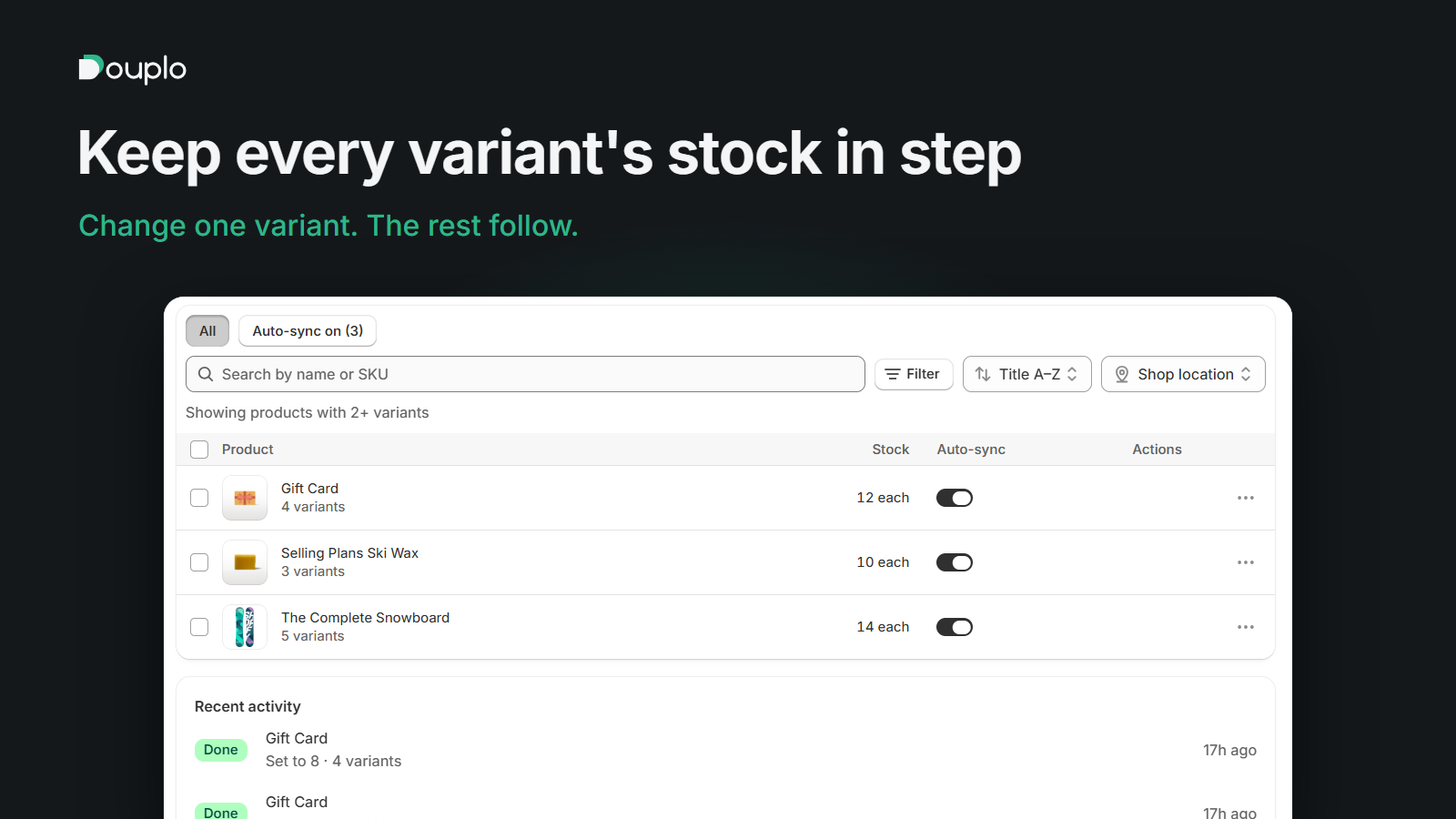
Douplo works this way. Nothing is shared at the source, so there is a delay of a few seconds between a sale and the other variants updating. You turn on auto-sync for a product, and when the stock of any variant changes at a location, Douplo sets the other variants at that same location to the same number. You can leave individual variants out, set one quantity for all variants at once, and see every change in a history. It changes inventory quantities only, never products, prices or orders.
Things to check before you start
- Decide which variants really share stock, and leave the others out.
- Remember each location has its own numbers. Sync should keep them per location, not mix them.
- Check the starting numbers first. An app copies the latest change, so start from a number you trust.
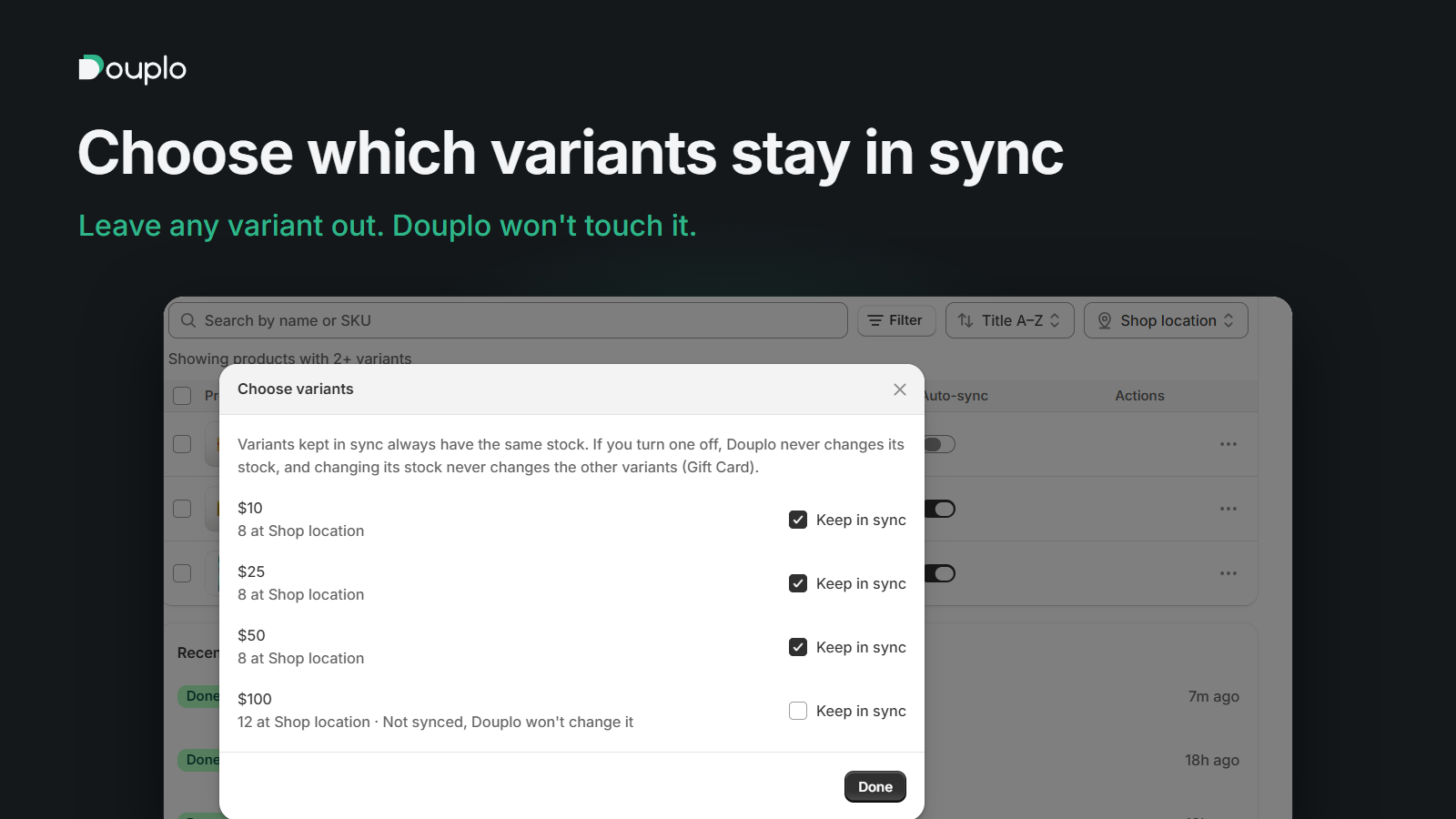
Douplo keeps the stock of every variant of a Shopify product in step, location by location. See how it works.